
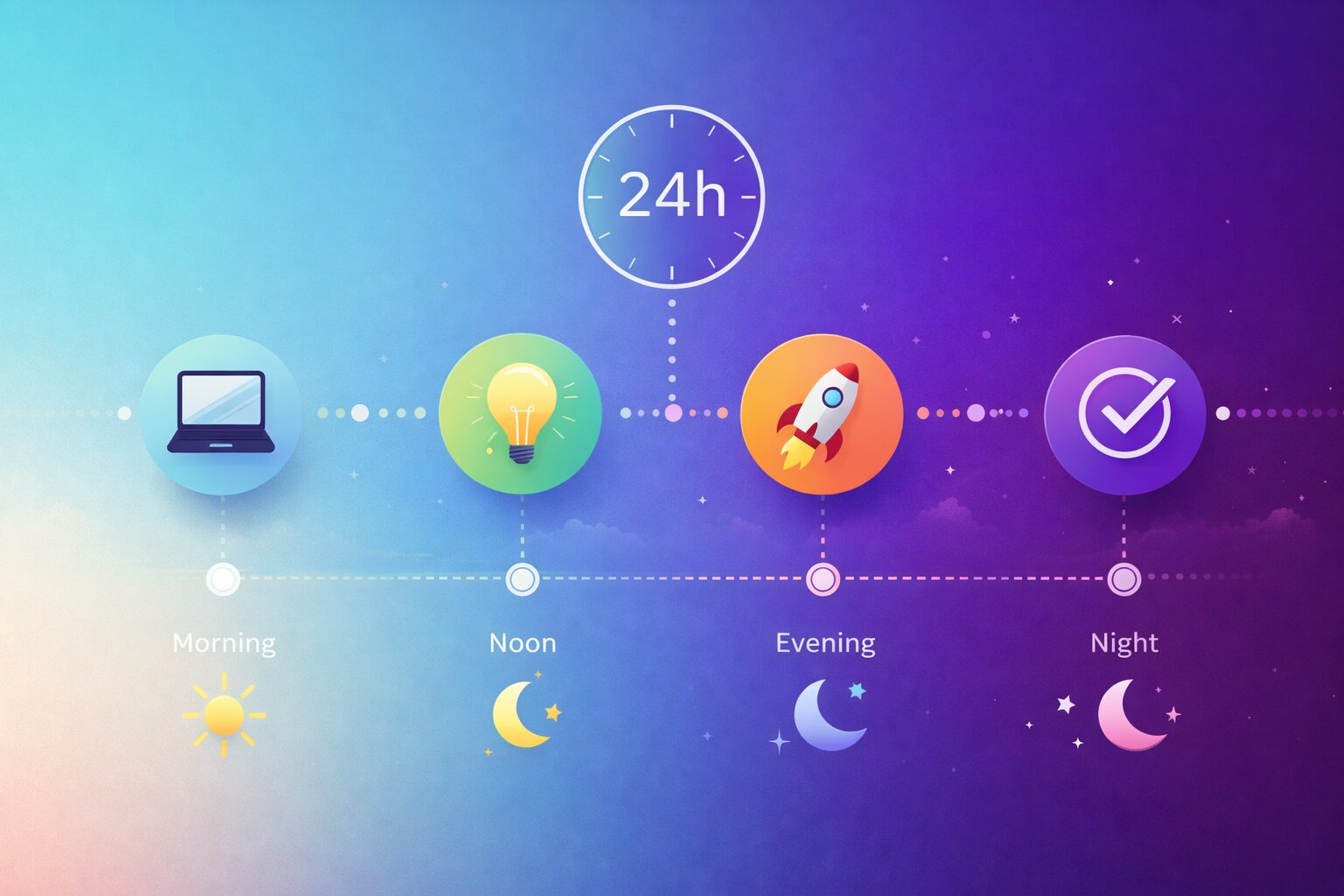
 Unlock AI for Beginners: Your Essential First 24 Hours
Starting with artificial intelligence can feel overwhelming. However, AI for beginners doesn’t require a technical background. In fact, you can have meaningful experiences in just 24 hours.
This roadmap will walk you through your first day. By tomorrow, you’ll have practical skills and real results.
Table of Contents
Hour 1-2: Choose Your Platform
Pick Your Starting Point
First, you need to select an AI assistant. For those new to this technology, there are two excellent options.
ChatGPT offers a friendly, conversational interface. Meanwhile, Claude provides thoughtful, detailed responses. Both have free versions.
For this roadmap, we’ll use ChatGPT. However, the principles apply to any AI tool.
Create Your Account
Visit ChatGPT.com and sign up. The process takes about two minutes. You’ll need an email address.
Once logged in, you’ll see a simple chat interface. This is where your journey begins.
Hour 3-4: Master the Basics
Your First Conversation
Start simple. Type: “Explain what you are in one paragraph.”
Read the response carefully. Notice how the system structures its answer. This helps you understand what you’re working with.
Learn to Ask Better Questions
AI responds based on how you ask. Therefore, specific questions get better answers.
Try this comparison. First, ask: “Tell me about coffee.”
Then ask: “Explain the difference between espresso and drip coffee in simple terms.”
Notice the difference? Specific questions yield more useful responses. This is your first major lesson.
Hour 5-8: AI for Beginners Practical Applications
Write Something Real
Now, tackle a real task. For example, draft an email you’ve been putting off.
Try this prompt: “Write a professional email to my team about rescheduling next week’s meeting. Keep it friendly but concise.”
Review the result. You can ask for revisions: “Make it more casual” or “Add a joke about Monday mornings.”
Solve an Actual Problem
Think about a current challenge. Maybe you need recipe ideas or exercise suggestions.
Ask specifically: “Give me three 30-minute dinner recipes using chicken, vegetables, and pantry staples. I have limited cooking skills.”
The system adapts to your constraints. This makes it incredibly practical.
Hour 9-12: Level Up Your Skills
Use Technology as a Learning Tool
Pick something you’ve always wanted to understand. Physics concepts? Historical events? Coding basics?
Ask: “Explain [topic] to me like I’m 12 years old.” This technique works remarkably well.
Furthermore, you can ask follow-up questions. “Can you give me an example?” or “Why does that matter?”
Practice Iteration
Good usage involves back-and-forth conversation. Start with a basic request. Then refine it.
For instance, ask for a workout plan. Then modify it: “Make it shorter” or “I don’t have equipment.”
Each refinement teaches you how the system thinks. Consequently, you get better results faster.
Hour 13-16: AI for Beginners Creative Experiments
Try Something Fun
This technology isn’t just for serious tasks. Ask it to write a silly poem about your pet. Create a story about your morning commute.
These playful experiments build comfort. Moreover, they reveal creative capabilities.
Brainstorm Ideas
Use this as a brainstorming partner. Planning a birthday party? Naming a project? Stuck on a problem?
Ask: “Give me 10 creative themes for a 40th birthday party.” Then pick your favorite and explore it deeper.
Hour 17-20: AI for Beginners Professional Applications
Enhance Your Work
Now, apply these tools to professional tasks. Draft a meeting agenda. Summarize a long document. Write a job description.
Try this: “Create a meeting agenda for a 30-minute project kickoff. Include time allocations.”
Notice how the system structures professional content. You can adapt this to your needs.
Learn Your Industry
Ask about your field. “What are current trends in [your industry]?” or “Explain [technical term] in my field.”
This builds domain knowledge quickly. However, always verify important information independently.
Hour 21-22: Understanding Limitations
Know What Technology Can’t Do
These systems have limitations. They can make mistakes. They don’t have real-time information. They can’t access the internet in basic versions.
Test this. Ask about yesterday’s news. The system will likely tell you it can’t provide current events.
Understanding these boundaries makes you a smarter user. Therefore, you’ll know when to rely on technology and when to use other tools.
Fact-Check Important Information
Never blindly trust these systems for critical decisions. Medical advice? Legal guidance? Financial planning?
Always verify with qualified professionals. This technology is a tool, not a replacement for expertise.
Hour 23-24: AI for Beginners Next Steps
Identify Your Top Three Uses
Reflect on your experience. What worked best? Writing emails? Learning new topics? Brainstorming ideas?
Pick your top three applications. Focus on these initially. Mastery comes from consistent practice.
Set a Daily Practice
Commit to using this technology once daily for the next week. Even five minutes counts.
This builds habit and comfort. Soon, reaching for these tools becomes natural.
Your Journey Continues
Congratulations! You’ve completed your first 24 hours. You’ve learned basic prompting, tried practical applications, and understood key limitations.
Moving forward, explore advanced features. Try different platforms. Join online communities. Read tutorials.
Most importantly, keep experimenting. Your best discoveries come from curiosity and practice.
The revolution is happening now. Fortunately, you’ve just taken your first meaningful step into this new world. AI for beginners is just the beginning of your journey.
Ready to continue learning? Explore more beginner-friendly tutorials and tips on our site.